
Home theatre blinds
Create an immersive cinematic experience with Coverlight. Enjoy total darkness, complete light control and effortless DIY installation for the perfect movie night, every time.
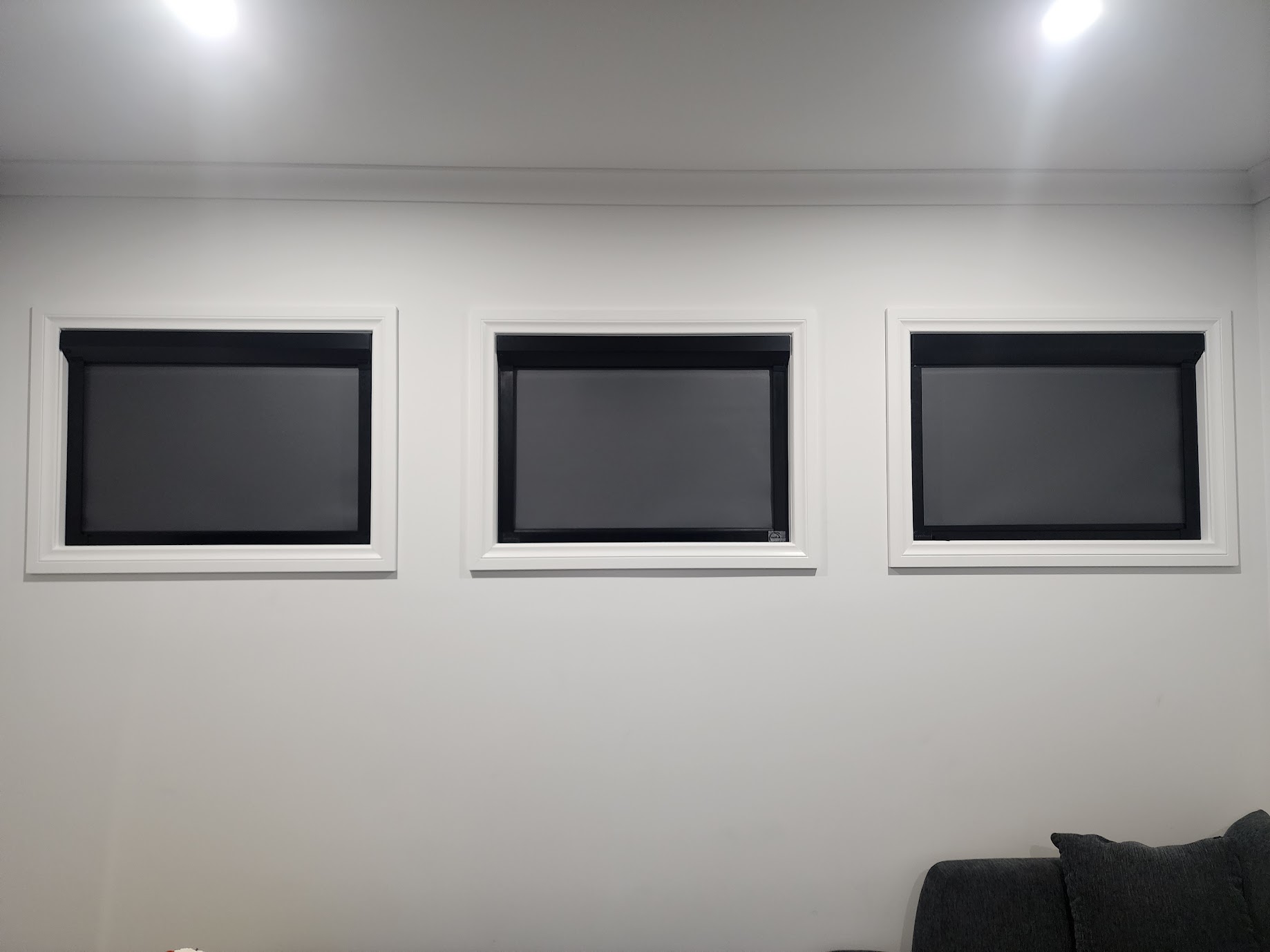
Quality home theatre blinds by Coverlight
A dedicated cinema room is a dream for many film enthusiasts. But achieving an authentic cinematic feel requires more than a massive screen and premium surround sound.
Upgrade your home theatre blinds to Coverlight, a 'true blackout' light control system for the pitch-black entertainment experience you crave.
Coverlight is a high-quality innovative Australian-made product. Beyond absolute darkness, it drastically enhances energy efficiency, privacy, and acoustic insulation.
Every unit is custom-made to order to the exact dimensions of your window frames, for a precise fit and effortless DIY installation. Get an instant Price Estimate.
Home theatre blinds engineered for performance
Designed to solve the common issues faced by movie lovers, Coverlight’s DIY blackout blinds deliver a flawless viewing environment through innovative design and smart functionality.
Total blockout for flawless picture quality
The enemy of a home cinema is light bleed (i.e. halos of light from around window frames) creating glare and colour/contrast washout on your television or projector screen.
Unlike other blinds, Coverlight features integrated side channels and seals that close the gaps around the edges, so your projector or OLED screen will display true, deep blacks and rich colours without any distracting screen glare.
Coverlight gets the room properly dark at any time of day, so your screen remains perfectly clear and vibrant.
Blockout fabric home theatre blinds
“Room darkening" blinds often let light through the fabric and fail to block out harsh morning sun or the glow of neighbourhood streetlights. Coverlight features EVOLUTION fabric for complete blockout functionality, with a light texture for a matte finish.
- Easy-cleaning Uniguard® Fabric
- Durable, high-performance coating
- Mould and mildew resistant
- PVC and lead-free
Read more about Evolution Fabric here.
Acoustic and thermal insulation
Keep outside sounds from interrupting your movie! Thin window coverings let heat and sound pour right through. Coverlight dampens external noise and provides excellent insulation, assisting temperature-control through extended movie marathons and reducing distractions from outside noise.
Often compared to a “double glazing” effect, Coverlight helps retain warmth in winter and reduces heat gain in summer (with a difference as much as 4-8°C).
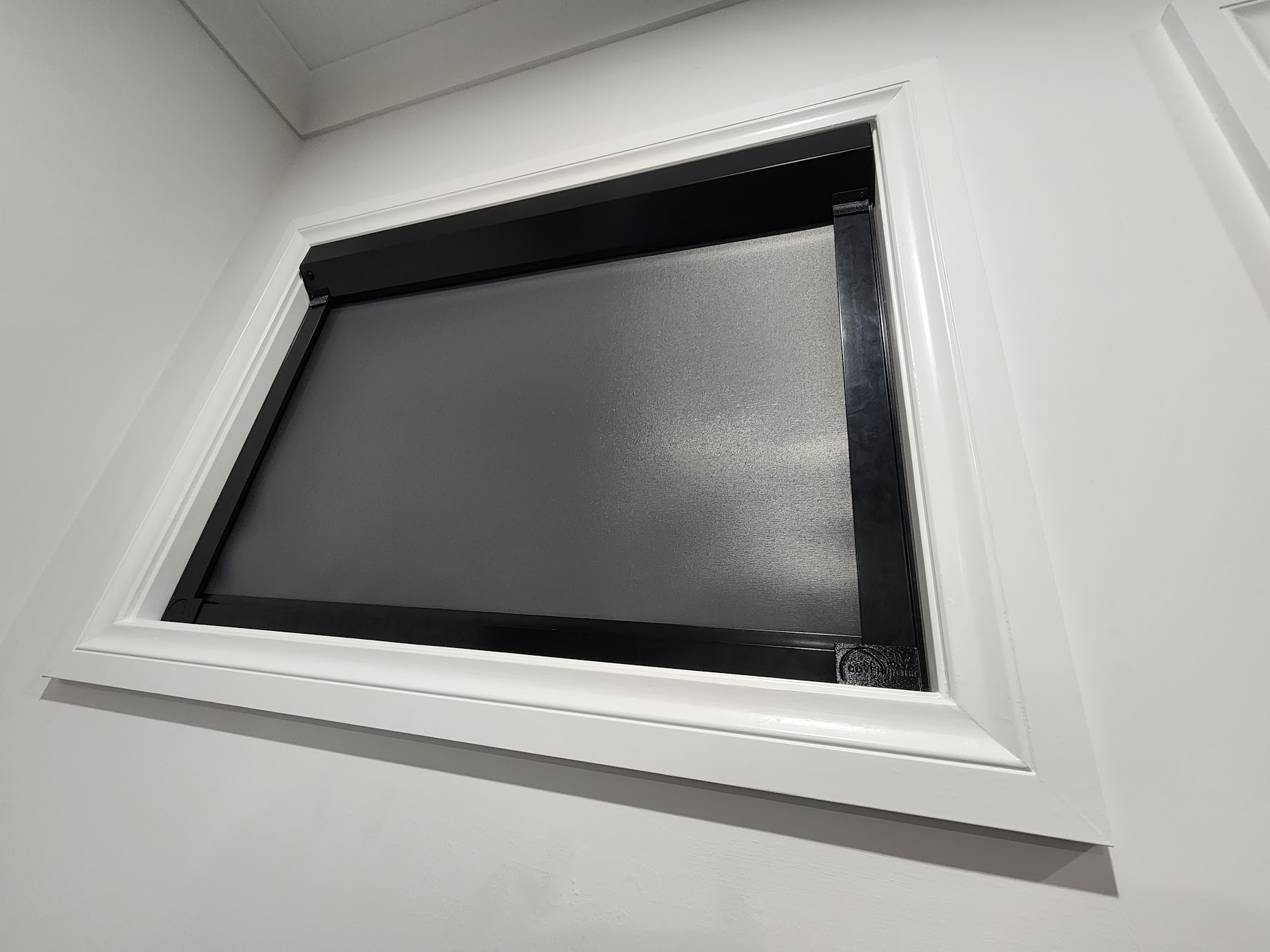
Custom home theatre blinds
Coverlight is made to order and will be fully customised to your preference for simple, DIY tool-friendly installation. There’s three key customisations:
1: Headbox and roll configuration: Select a Compact 65mm Square Headbox (reverse or forward roll for tighter installations), or a 75mm Custom Headbox for larger blinds. These options provide flexibility in installation and design to suit various spaces.
2: Frame and fabric colours: Choose your frame colour (our Satin Black option is designed specifically for home theatres). Custom frame colours are also available at an additional cost. The EVOLUTION fabric range includes 12 premium colours.
STEP 3: Operation preference: Select your preferred operation method whether it's manual, motorised, or integrated with your smart home - for the ultimate modern home theatre that's worth showing off.
Manual home theatre blinds (soft easy-glide system)
Coverlight’s manual customisation uses a user-friendly, soft-touch spring mechanism, allowing for precise positioning without the need for intricate parts. See specifications for Manual Home Theatre Blinds.
Motorised home theatre blinds and automation
Imagine sitting down with your popcorn and simply saying, “Hey Google, open my home theatre blinds.” Our motorised blinds integrate seamlessly with Google Home, Amazon Alexa and other major smart home platforms via a fast, reliable Zigbee protocol that communicates directly with your hub, without crowding your Wi-Fi. They also work with Siri.
The motors are wire-free and feature a long-life battery that lasts up to 6 months on a single charge. See specifications for Motorised Home Theatre Blinds or read more here about Home Automation.
DIY installation home theatre blinds
Coverlight’s design is simple with no complex parts for hassle-free DIY installation. Set up your home theatre blinds yourself and save. No installers and fast turnaround time with up to 10 business days for manufacturing, plus delivery.
Our DIY Installation Guide provides easy step-by-step instructions to install your new home theatre blinds for each customisation type, including the tools you need and preparation steps. See our Measuring Guide for instructions on how to correctly measure your window frames before ordering.
Our team is here to support you through the entire process and there are answers to many common questions at our Installation FAQs. If you get stuck on a step at any stage you can contact our team via our Online Enquiry Form or call them directly on 1800 482 777 (Mon-Fri 9am - 5pm).
Made for massive windows! If your theatre room features expansive glass, Coverlight has you covered. We offer the largest width in the market, providing true blockout for widths up to 4 metres in a single blind.
Australian-Made peace of mind
Coverlight is proudly designed and manufactured right here in Australia here in Victoria on the Mornington Peninsula, ensuring quality craftsmanship and supporting local industry. This local manufacturing process guarantees high standards of quality control.
Coverlight blackout blinds are Certified Australian Made. Read more about Coverlight Manufacturing or view or download the Coverlight blackout blinds Brochure.
Why choose Coverlight for your home theatre blinds?
Coverlight is a product of Cover Up Canvas Products, an established business based in Melbourne Australia.
- Family-owned and operated business
- Quality Australian-made product (Coverlight is Certified Australian Made)
- Unique, innovative design for durability and performance
- Custom-made to a high standard and crafted for precise fit
- Friendly and professional staff
- 5-year Warranty
Cover Up Canvas Products is a member of the Window Shading Association of Australia.
The highest quality for durability and reliability
Enjoy a glare and shadow-free home theatre year after year. Featuring high-grade components including a quality aluminum frame and robust Australian craftsmanship, Coverlight delivers long-term durability and smooth, reliable operation year after year.
Get started
Don't let rogue beams of light ruin your next cinematic adventure. Take control of your room's lighting today and enjoy the smartest choice in DIY home theatre blinds. Get started now.
